Adjust the scan effect
Start with a gentle effect and preview your changes.
- Adjust rotation, noise and blur
- Control contrast and resolution
- Choose color or grayscale
No printer. No scanner.
Add a natural scan effect and your own signature. Preview the result before downloading. Your PDF stays on your device.
1 PDF per day · No account required
Or drop a PDF here · Up to 50 MB
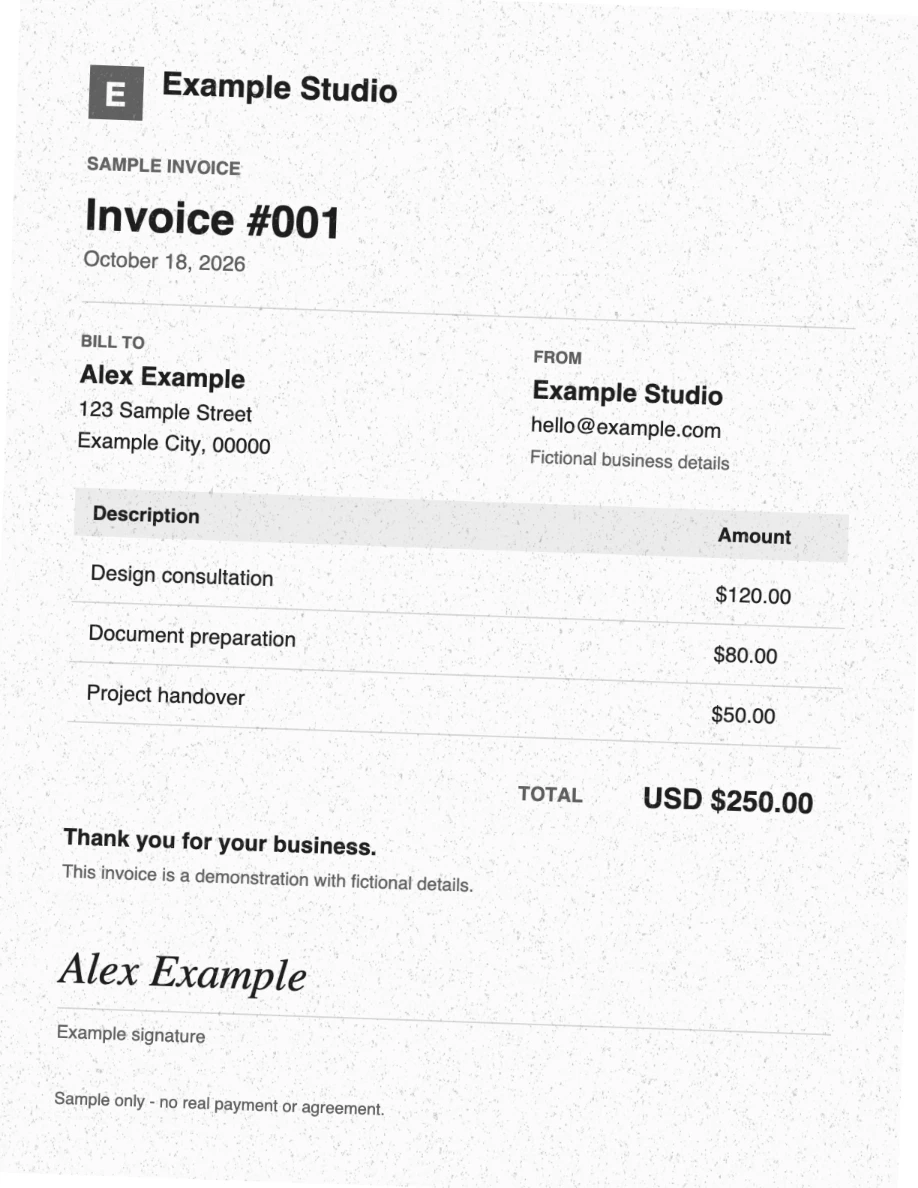
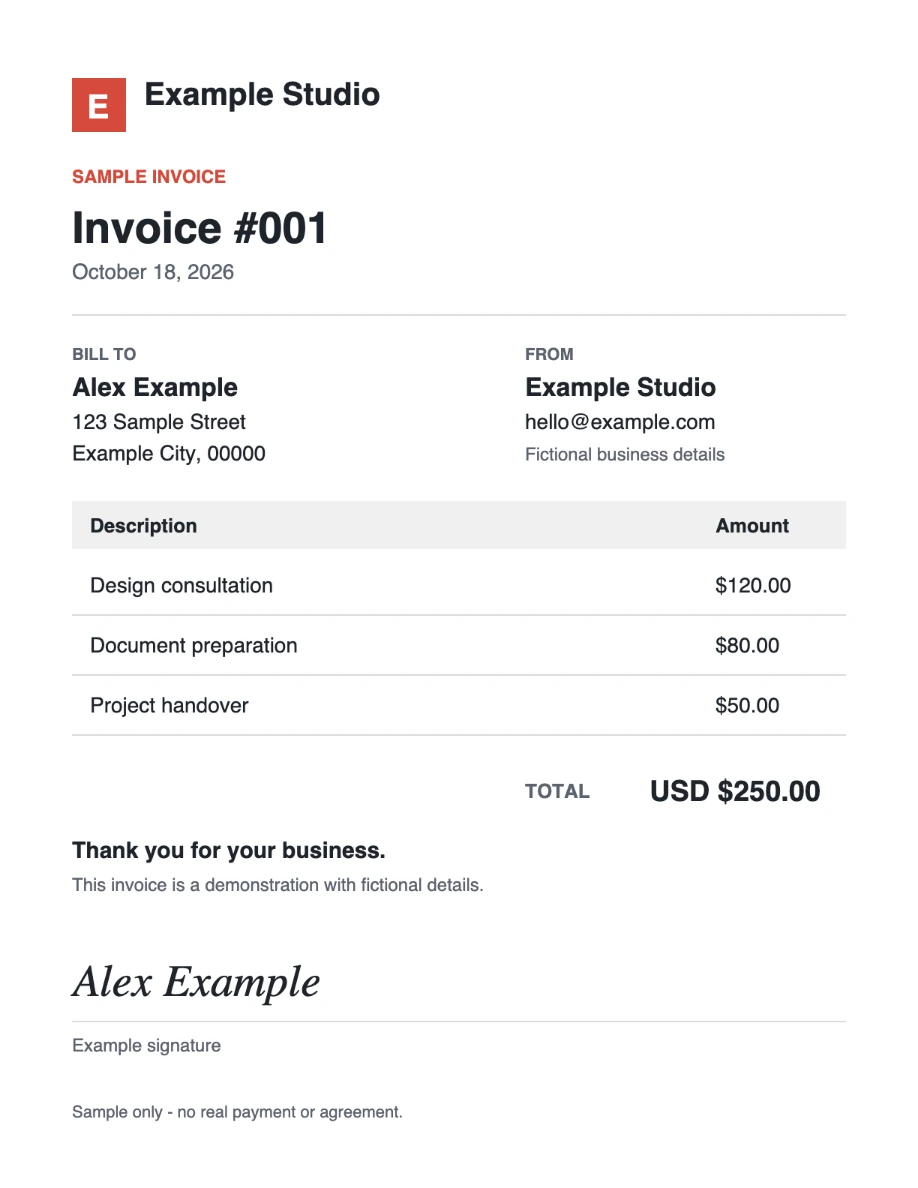
Your PDF is processed in your browser.
1 PDF per day · No account required
From a digital PDF to a natural scan effect
Select a file or drop it here. Your PDF stays on your device.
Choose the effect and optionally place your own signature.
Preview your document and download the result.
Real controls for your PDF and your own signature
Start with a gentle effect and preview your changes.
Draw your own signature, then position it on your PDF.
Start with a light scan effect, compare the same page at full size, and keep the text readable. Includes the original and real processed sample.
Read the guide →Draw your own signature, position it on the page, preview it, and download a copy. Understand what this visual signature does and does not do.
Read the guide →See why turning text into page images changes PDF size, how resolution affects it, and how to compare readable outputs with a reproducible sample.
Read the guide →Understand which processing stays on your device, why account and payment services still use the network, and what offline use and rasterized exports mean.
Read the guide →Add your own signature to a PDF and give the page a printed-and-scanned look in your browser. Real before and after files, starting settings and honest limits.
Read the guide →Try it free. Upgrade for regular use.
US$0
1 PDF per day · No account required
US$2/month
Or US$20/year · Save 17%
14-day money-back guarantee · Cancel anytime
What to know before you choose a PDF
No. Your browser opens the PDF, applies the scan effect and builds the new file on your device. The document and your signature are never sent to our servers. Accounts, usage limits, payments and analytics (when enabled) use the network, but never receive your file.
No. As with a real scan, every page becomes an image, so the result has no selectable text, links or form fields, and no OCR layer is added. Keep your original PDF if you need searchable text.
Yes. It runs in modern browsers on iPhone, iPad and Android, and you can draw your signature with your finger. Long or large PDFs need more memory, so try a short file first on an older phone.
Yes, the signature is included in the free plan. Draw it with a mouse, trackpad or finger, then move, resize and rotate it on the pages you choose. It is a visual signature, not a certified digital signature.
One PDF per day, with no account required. Pro removes the daily limit for US$2/month or US$20/year.
You skip the printer and the scanner. ScanYourPDF imitates a scan with a slight tilt, paper texture, grayscale and soft blur, and you control how strong it looks. It does not prove a paper original existed, so check what the recipient requires.
After the app has loaded once, it can keep working without a connection, also as an installed web app. Offline exports count against a daily limit stored on your device.